Do I Own My Wix Website? How to Leave Wix (And Move It Elsewhere)
Do you own your Wix website? No — and you can't export it. Here's exactly how to leave Wix, what happens when you cancel, and what you actually keep.
Short answer: No, you do not own your Wix website in any portable sense. Wix is a closed platform: site code, design, layouts, forms, products, and member data cannot be exported. You own your written content; Wix owns the rendered website. Cancel your subscription and the site goes offline immediately.
Do I Own My Wix Website?
You spent two years building on Wix. Then you open the export menu, and it isn't there.
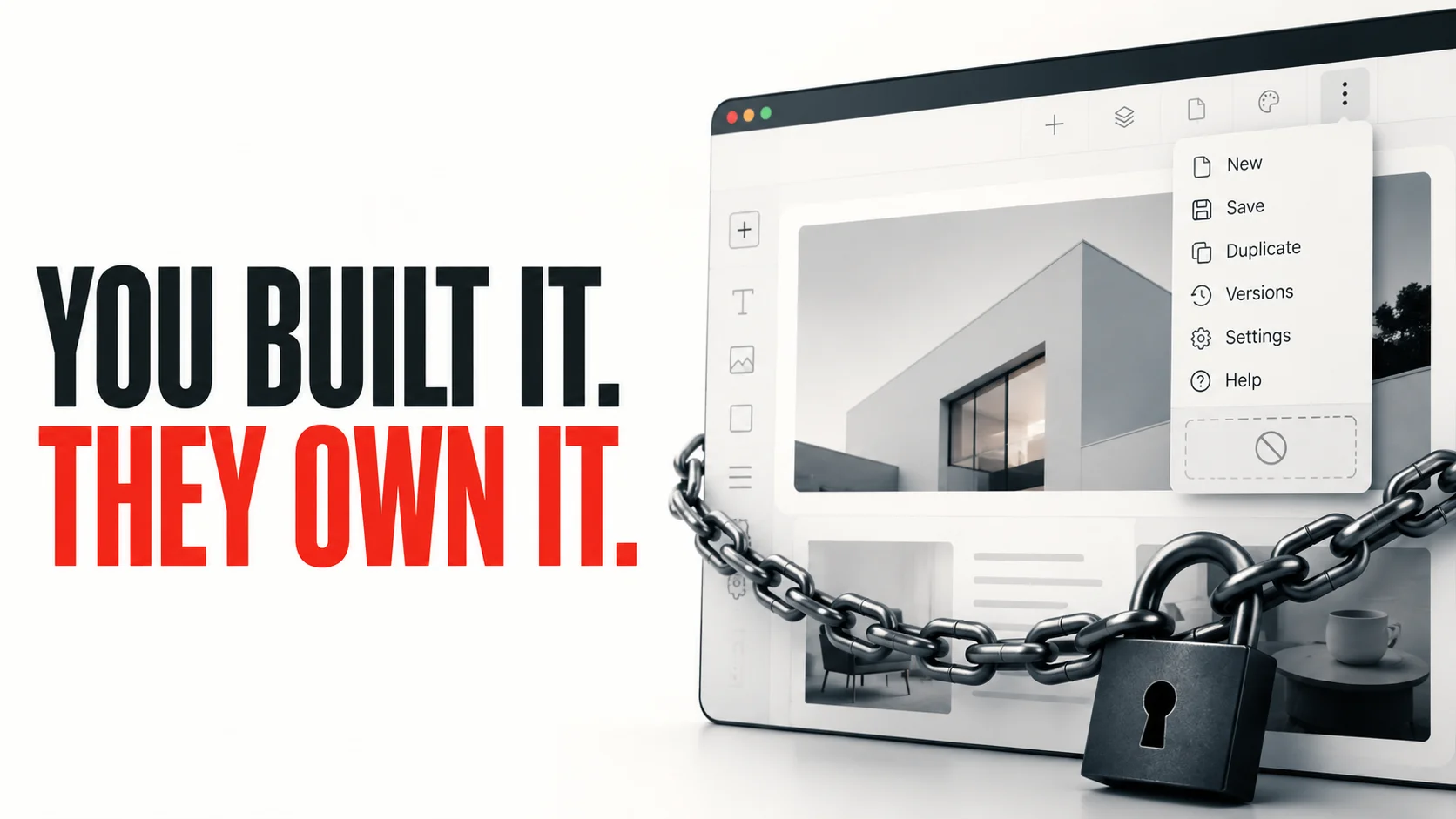
That's the moment most builder-platform customers learn what they actually bought: not a website, but access to one, for as long as the rent is paid. You're not the customer of the website you built. You're the tenant.
This post covers what Wix lets you take with you, what happens when you cancel, how to leave Wix without rebuilding from scratch, and which builder is the only one with a real escape hatch.
Can You Export a Wix Website?
No. Wix's own help center confirms that "Wix is a closed platform" — site code, design, layouts, forms, products, and members cannot be exported. The only thing you can export is your blog posts, as an XML file.
Layouts, design, navigation, forms, members, product pages, the look and feel you spent months refining — none of it is exportable. That's not a bug. Wix built it that way on purpose.
A 2018 Treehouse community thread titled "Wix claims it is impossible to export files from them" still ranks for this exact query. Eight years later, nothing has changed.
Squarespace Is Not the Escape Hatch
Squarespace lets you export a WordPress XML file. That sounds promising until you read Squarespace's own help docs.
What the export captures:
- Blog posts (text and images on blog/basic page types)
- Basic text pages
What it doesn't:
- Design, CSS, or fonts
- Album, portfolio, store, index, calendar, info, and cover pages
- Product catalogs and ecommerce data
- Navigation structure
- Forms and form submissions
- Member areas
A Squarespace export is a partial text dump. Migration specialists quote $2,500-$25,000+ to rebuild a Squarespace site on a real platform — closer to "here are some of your words" than "here is your website."
Do I Own the Code of My Squarespace Website?
Practically, no. The export contains blog text and basic page text only. Design, CSS, navigation, forms, products, members, and most page types are not in the export. The rendered website is proprietary to Squarespace's runtime and cannot be moved.
Shopify, Webflow, GoDaddy: Same Story
Shopify. Products and customers export as CSV. Themes are written in Liquid (which is itself open source, used by Jekyll and others) but Shopify themes depend on Shopify's runtime — product, cart, checkout, the Storefront API. Those objects only exist inside Shopify. The theme can't run anywhere else, and every paid app in your stack has to be replaced.
Webflow. Code export gives you HTML, CSS, and JavaScript on paid plans. What stays behind: the CMS content, forms (they render but stop submitting), search, ecommerce, login flows, and shopping cart. You don't migrate a Webflow site — you start over with a partial design reference.
GoDaddy Website Builder. No export tool. No automated importer. Content has to be manually copied off, page by page. Domains are transferable; the site is not.
The export menu is theater. It lets them claim you own your content while making sure what you can grab isn't enough to actually leave.
What Happens to My Site If I Cancel Wix?
When you cancel Wix, your site goes offline immediately and visitors see an error page. Your content stays in your account but is inaccessible to the public until you resubscribe. Every major builder behaves the same way except WordPress.com.
Per platform:
- Wix. Site offline. Visitors get an error page. Content remains in your account, inaccessible to anyone but you.
- Squarespace. Site offline immediately on cancellation. Squarespace retains your data for roughly 30 days, then permanent deletion. Domains registered through Squarespace continue separately on their own renewal cycle.
- Shopify. Storefront unpublishes. Admin remains accessible briefly so you can export CSVs, then access ends.
- GoDaddy. Site offline. Standard grace period before deletion.
- WordPress.com. The one real exception. You can export your full site, run All-in-One WP Migration to a self-hosted WordPress.org host, and keep operating with no real loss. This is why people who plan ahead build on WordPress.org, not on hosted builders.
Miss a payment, lose a card, want to take a break — and on every platform except WordPress.com, the asset you spent years building has the shelf life of a recurring credit card charge.
Can I Take My Domain When I Leave Wix?
Yes. You can transfer your Wix-registered domain to any registrar after the standard 60-day ICANN lock by requesting an EPP/auth code in Wix's domain settings, then initiating the transfer at the new registrar. The domain follows you. The site it pointed to does not.
Your DNS records, redirects, SEO metadata, structured data — that's all rebuilt from scratch on whatever you move to.
What You Actually Own (and What You Don't)
You own your content — the words you wrote, the photos you uploaded. Wix and the rest will tell you so.
What you don't own:
- The HTML, CSS, and JavaScript that render those words
- The database storing your products, members, or form submissions
- The site's structure, navigation, and internal links
- The redirects, SEO metadata, and structured data
- The integrations — every paid app, every Zapier flow — has to be reconnected from scratch on a new platform
You own a document's worth of content. The actual business asset belongs to the platform.
And You're Paying More Than You Think Not to Own It
Most Wix or Squarespace customers cite the headline plan price when asked what their site costs. The actual monthly bill, once you include business email, a chat widget, email marketing, a proper forms app, and a couple of marketing tools, is typically double to triple the headline.
Real Wix customers running normal small-business sites pay $800-$1,200 a year (here's the full Wix cost breakdown) once everything they actually use is layered on. Squarespace lands in similar territory. None of those tools are exportable. None migrate. Each is another piece of the lock-in.
So the real number isn't "I'm paying $17 a month for a site I can't export." It's "I'm paying $80 a month for a site I can't export, I've been doing it for three years, and the sunk cost is roughly $3,000 with nothing portable to show for it."
That sunk cost is the trap. The longer you pay, the more it feels like leaving means losing all of it. That's the decision Wix wants you to make.
If that's where you are, here's what a Breakpath sprint replaces it with.
What "Owning Your Website" Actually Means
A website you own outright has these properties:
- The source code lives in a git repository you control. Not in a vendor's editor. Already in your hands.
- The database is yours. Postgres, MySQL, whatever — you can export it, back it up, query it.
- The hosting is swappable. Vercel today, AWS tomorrow, your own server next year. The app doesn't care.
- The integrations are direct. Stripe API keys, GA4, email service — you connected them, you can disconnect them.
- Stopping your hosting payment turns off a server. It doesn't delete your business.
Every serious software product on the internet works this way. Only the website-builder market pretends that "owning your site" means "owning the words on your site." This is the model we build to at Breakpath. Here's exactly how the 7-day sprint runs day by day.
How Do I Move My Website Off Wix?
To move a website off Wix, you must rebuild it on a new platform — there is no automated migration. The four real paths:
- Rebuild on WordPress.org. Free software, ~$10/month hosting, full ownership. The catch: WordPress is a living maintenance project — plugins update, PHP versions change, security patches need applying. You become the sysadmin. Cheapest exit if you're willing to learn it.
- Use an AI site builder ([Lovable](https://lovable.dev), [Bolt](https://bolt.new), [v0](https://v0.app)). $20-$50/month sticker, $100-$300/month real bills once you iterate. You get code out and technically own it — but you're still the one debugging when checkout breaks.
- Hire a freelancer or traditional agency. Market rate is $15,000-$40,000 for a basic custom site, six to twelve weeks. You get ownership at agency prices and agency pace.
- Use a fixed-scope build service. Flat fee, fixed timeline, GitHub repo handed to you on day seven. Self-host on Vercel and Supabase for roughly the price of a domain renewal at small scale, and a fraction of platform fees as you grow. (See exactly what Breakpath delivers in 7 days.)
Every cheap path requires either your time (months of it, sometimes years) or someone else's time (paid at agency rates). The reason most people stay on Wix isn't ignorance of cheaper options. It's that the cheaper options demand time or expertise they don't have, and the rest of the market quotes them $25,000 and three months.
Frequently Asked Questions
Can you export a Wix website to another platform?
No. Wix's help center confirms it is a "closed platform" where site code, design, layouts, forms, products, and member data cannot be exported. The only thing exportable is blog posts as an XML file. Migrating a Wix site to another platform means rebuilding from scratch.
What happens to my site if I cancel Wix?
The site goes offline immediately. Visitors get an error page. Your content remains in your account but is inaccessible to anyone but you, and only when you log in. There is no version of your site that survives a canceled subscription.
Do I own the code of my Squarespace website?
Practically, no. Squarespace exports a WordPress XML file containing blog text and basic page text only. Design, CSS, navigation, forms, products, members, and most page types are not in the export. The actual rendered website is proprietary to Squarespace's runtime and cannot be moved.
How do I move my website off Wix without rebuilding from scratch?
You can't, fully. There is no automated migration path. You have four options: (1) manually rebuild on WordPress.org, (2) use an AI site builder like Lovable or v0 and accept being the engineer, (3) hire a freelancer or agency for $15,000-$40,000, or (4) use a fixed-scope build service like Breakpath ($12,500 in 7 days) and start clean on infrastructure you own.
Can I take my domain when I leave Wix?
Yes. You can transfer your Wix-registered domain to any registrar after the 60-day ICANN lock by requesting an EPP/auth code. The domain follows you; the site does not. DNS records, redirects, and SEO metadata are rebuilt on the new platform.
Is WordPress.com any different from Wix on ownership?
Yes. WordPress.com is the only major builder with a working export path to fully-owned WordPress.org. You can run All-in-One WP Migration from .com to a self-hosted .org installation and keep operating without losing the site. It's still a step less direct than starting on infrastructure you own outright, but it's the only hosted builder with a real escape hatch.
How much does it cost to migrate from Wix to a custom website?
Migration services (LitExtension, Cart2Cart, Seahawk) charge $60-$5,000 depending on entity count and complexity, and that's just moving content. Rebuilding design, integrations, SEO infrastructure, forms, and member features adds another $5,000-$30,000. A clean build on infrastructure you own is often the same total cost as a migration — with the benefit of owning the result. (Compare Wix alternatives with no monthly fee.)
You're One Renewal Away From Doing This the Hard Way
Every month you stay on Wix is another month of content, links, and integrations you'll have to rebuild when you finally leave. The cheapest exit is the one you take before the next charge hits.
A 7-day Breakpath sprint is $12,500 flat. You get the complete GitHub repo, every credential, business email properly configured at your domain, live Stripe and Cal.com, full SEO infrastructure, and a self-hostable stack on day seven. Cancel anytime — you're the only one with the keys.
See pricing · See what's included · Apply for a 7-day MVP sprint
Liked this? Get the next one.
One short essay every couple of weeks on shipping faster and owning what you build. No spam.
Keep reading
Custom SaaS vs Whop: When to Graduate Off the Platform
Whop takes ~6% on gated sales and your subscribers can't leave with you. When high-growth creators should graduate to custom software they own.
The Real Cost of Wix in 2026 (Hidden Fees & True Price)
How much does Wix really cost in 2026? The $17/mo plan hides $800+/yr in apps, email, and renewals. Full hidden-fees breakdown — and is Wix worth it?
Wix Alternatives With No Monthly Fee (Honest 2026 Guide)
Wix alternatives with no monthly fee, compared honestly. 5 paths off Wix, real 5-year costs ($300 to $25,000+), and the one-time-payment option affiliate sites won't show you.
Your sprint starts here
From this idea to a live MVP in 7 days — $12,500.
- Full code ownership — GitHub repo handed over on day 7
- No monthly fees — self-host on free tiers indefinitely
- 48-hour response on applications
Not sure yet? Start with a $4,500 Validation Sprint.